Why More Gulf Residents Are Switching On a VPN Before They Connect
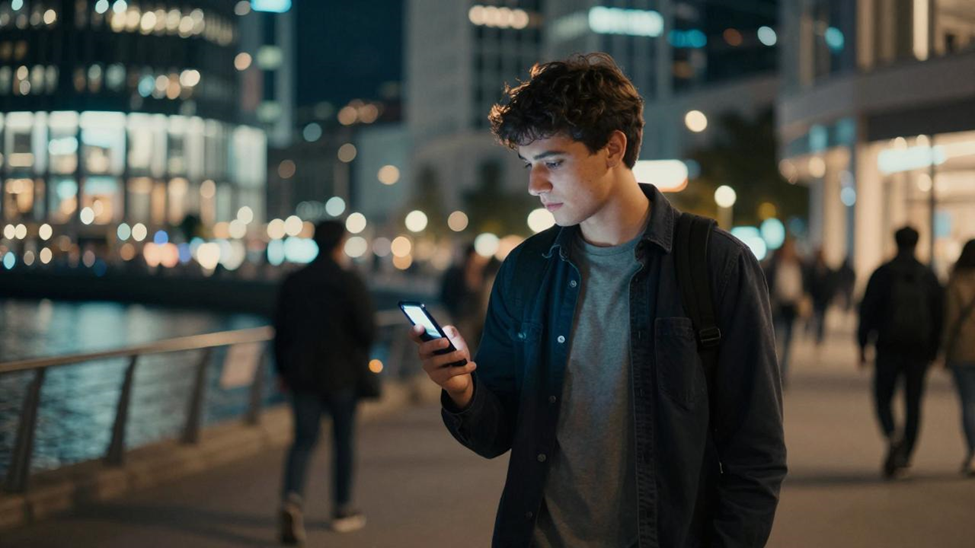
Think about how an ordinary day runs in Dubai or Riyadh. You pay for coffee with your phone, renew a permit through a government app, and join a work call from an airport lounge. Almost all of it travels over networks you didn’t set up and can’t inspect. That isn’t a reason to panic. It is a reason to add one more habit to the list, the same way you buckle up before pulling out of the car park.
A region that lives online
The GCC states have spent the past decade moving public services online, from Saudi Arabia’s Vision 2030 programmes to the UAE’s official government portal, u.ae, where residents handle everything from visas to utility bills. Fast fibre and wide 5G coverage make all this easy. They also mean residents log in to banks, health portals and work systems from hotels, malls and airports far more often than from a home network they control.
Scammers follow the traffic. Fake delivery texts, cloned bank pages and impersonation calls are a familiar part of life across the region, and public Wi-Fi gives them one more place to try their luck.
What a VPN actually does
A VPN creates an encrypted tunnel between your device and a server run by the VPN provider. Three things change once it’s switched on. People sharing the same network, whether that’s a café in Dubai Marina or a lounge at Hamad International, see scrambled data instead of your activity. The websites you visit see the server’s IP address rather than yours. And your internet provider can tell you’re connected to a VPN, but not which sites you’re opening.
It’s worth being clear about what it doesn’t do. A VPN won’t stop you typing your password into a fake website, and it won’t fix a weak password. It’s one layer, not the whole wall.
Where it makes the biggest difference
Frequent travellers
If you’re shuttling between Dubai, Riyadh, Doha and Europe, you’re living on hotel and airport Wi-Fi. Those networks are shared with strangers and occasionally copied by fake hotspots with almost identical names. The US Federal Trade Commission points out that most websites now encrypt their traffic, which helps. A VPN covers the gaps, including apps that are less careful than your browser.
Online shoppers
Shopping online is routine across the Gulf. Checking out over a mall’s free Wi-Fi is exactly the moment when an extra layer of encryption earns its place.
Families
Most homes now run a dozen or more connected devices, and cheaper smart gadgets are not always built with security in mind. Some VPN plans cover several devices at once, so the whole household gets the same protection without anyone having to be the family IT department.
Students and patients
University Wi-Fi and telemedicine both involve personal information travelling over networks you don’t control. Encrypting those sessions is a small step that protects academic accounts and medical details alike.
Choosing a provider you can trust
Not every VPN deserves your data. Look for a no-logs policy that has been checked by an independent audit, not just promised on a homepage. Find out who owns the company and where it’s based, since providers in countries with strong privacy law, such as Switzerland, have an extra legal layer behind their promises. Make sure it supports modern protocols like WireGuard and has a kill switch that cuts your connection if the tunnel drops. If you’re new to this, a reputable free tier is a good way to try a VPN before paying for anything.
The Electronic Frontier Foundation’s Surveillance Self-Defense guide is a good independent primer if you want to understand the trade-offs in more depth.
A note on local rules
Rules on VPN use differ across the GCC. In the UAE, Federal Decree-Law No. 34 of 2021 on combatting rumours and cybercrimes targets the misuse of VPNs to commit or hide a crime. Using one to protect your own data is a different matter, but it’s always sensible to check the current rules where you live and to follow your employer’s policy on company devices.
Five minutes to set it up
Download the app from the Apple App Store or Google Play, not from a link someone forwarded on WhatsApp. Create an account with a strong password you don’t use anywhere else, and turn on two-factor authentication. Connect to a nearby server for the best speed. Then open the settings once, switch on auto-connect for untrusted networks, and enable the kill switch. Finally, visit an IP lookup site to confirm the address has changed.
Small habit, real difference
The Gulf’s digital services are among the most convenient anywhere, and there’s no reason to use them less. Switching on a VPN before joining a network you don’t trust is simply part of using them well, alongside strong passwords and two-factor authentication. Five minutes of setup, and it runs quietly in the background from then on.