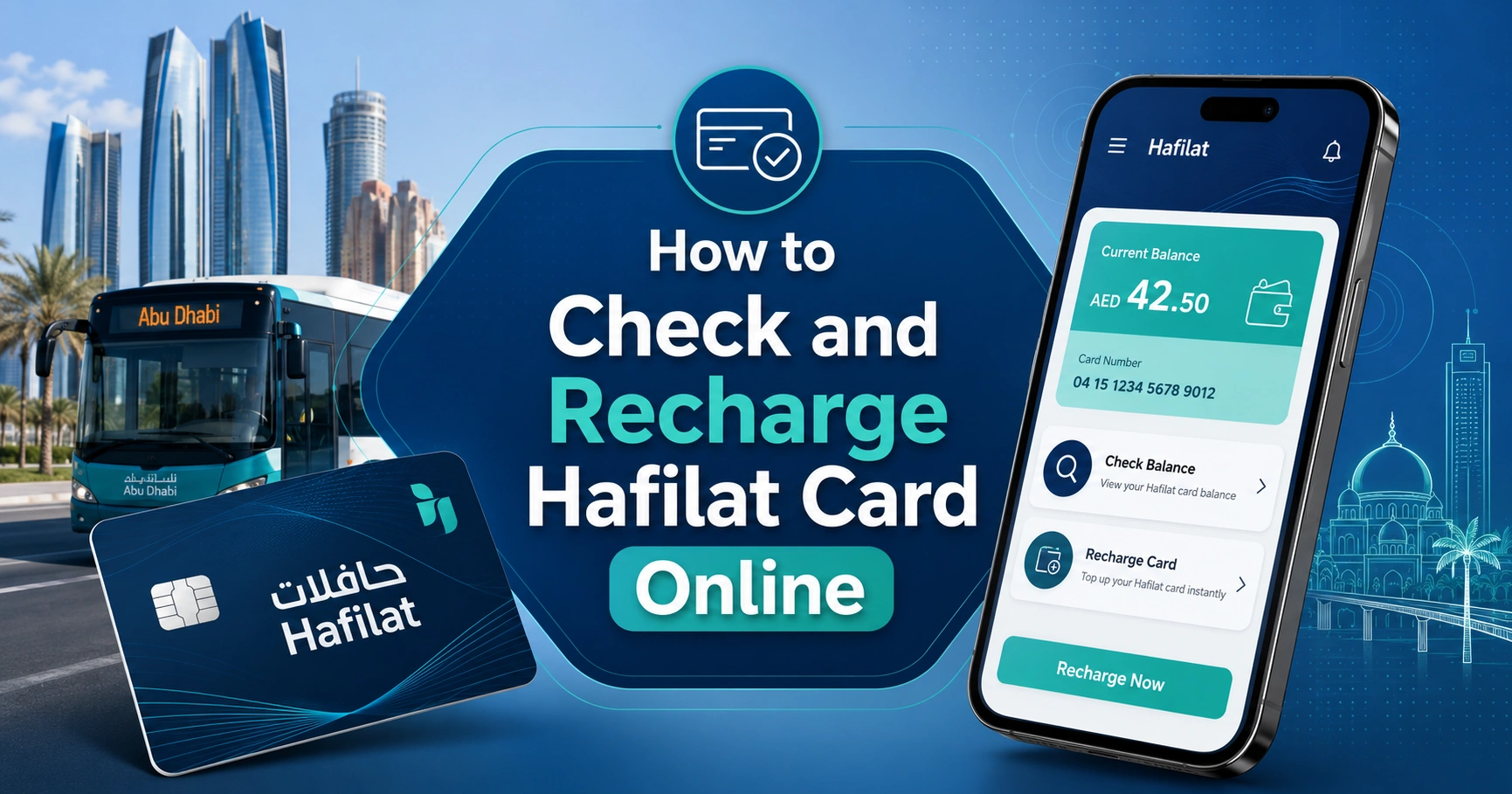
How to Check and Recharge Hafilat Card Online: Complete Step-by-Step Guide
Introduction
If you regularly use public buses in Abu Dhabi and Al Ain, having a Hafilat Card is essential. This smart card allows passengers to pay bus fares quickly without carrying cash. However, many users are unsure how to check their Hafilat card balance or recharge it online.
In this guide, you will learn the easiest ways to check your Hafilat card balance, recharge your card online, and keep your account active for uninterrupted travel.
What Is a Hafilat Card?
A Hafilat Card is a rechargeable smart travel card used on public buses operated by the Integrated Transport Centre (ITC) in Abu Dhabi. Instead of paying cash for every trip, passengers can simply tap their card when boarding and exiting the bus.
The card makes public transportation more convenient, secure, and efficient for daily commuters, students, and visitors.
Why You Should Check Your Hafilat Card Balance Regularly
Checking your balance regularly helps you:
- Avoid insufficient balance during travel
- Plan your transportation expenses
- Recharge before the balance runs out
- Prevent travel interruptions
- Monitor your card usage and transactions
Keeping track of your balance ensures a smooth and hassle-free commuting experience.
How to Check Hafilat Card Balance Online
Checking your Hafilat card balance online is simple and only takes a few minutes.
Step 1: Visit the Hafilat Website
Open your browser and go to the Hafilat balance check website.
Step 2: Enter Your Card Information
Locate the balance inquiry section and enter your Hafilat card number.
Step 3: Verify the Details
Complete any required verification process if prompted.
Step 4: View Your Balance
After submitting your card details, the system will securely redirect you to their official website. Your current available balance and recent transaction information will be shown there.
How to Check Hafilat Card Balance Using the Mobile App
Passengers can also use the official transportation mobile application.
Steps:
- Download the official transport app.
- Register or log in to your account.
- Add your Hafilat card.
- Select the card from your dashboard.
- View your current balance and transaction history.
The mobile app provides a convenient way to manage your card anytime and anywhere.
How to Recharge Hafilat Card Online
Online recharge is one of the fastest ways to add credit to your Hafilat card.
Step 1: Access the Recharge Portal
Visit the official Hafilat recharge website or mobile app.
Step 2: Enter Your Card Number
Type your Hafilat card number carefully to ensure the balance is added to the correct card.
Step 3: Select Recharge Amount
Choose the amount you wish to add to your card.
Step 4: Make Payment
Complete payment using an accepted debit card, credit card, or other available payment method.
Step 5: Confirm Recharge
After payment is successful, you will receive confirmation of the recharge transaction.
Step 6: Activate the Recharge
In some cases, you may need to tap your card at a bus validator or recharge machine to activate the newly added balance.
Alternative Ways to Recharge a Hafilat Card
If online recharge is not available, you can also top up your card through:
Ticket Vending Machines
These machines are located at major bus stations and transportation hubs.
Customer Service Centers
Visit authorized customer service centers for card recharge assistance.
Recharge Kiosks
Many bus terminals offer self-service recharge kiosks where passengers can quickly add credit.
Common Hafilat Recharge Problems and Solutions
Recharge Not Showing on Card
Wait a few minutes and then tap your card at a bus validator to synchronize the balance.
Incorrect Card Number Entered
Contact customer support immediately if a recharge was sent to the wrong card.
Payment Failed
Check your bank account and payment method before attempting the transaction again.
Website Not Loading
Try using a different browser or clear your cache and cookies.
Tips for Managing Your Hafilat Card
- Always maintain a minimum balance.
- Recharge before long trips.
- Save your card number in a secure place.
- Check your balance regularly.
- Keep transaction receipts for reference.
- Register your card if registration services are available.
Benefits of Online Hafilat Card Recharge
Online recharge offers several advantages:
- Available 24/7
- Saves time and effort
- Secure payment options
- Instant transaction confirmation
- Convenient account management
- No need to visit physical locations
Frequently Asked Questions
Can I check my Hafilat card balance online?
Yes, passengers can check their balance through the official Hafilat portal and supported mobile applications.
How long does an online recharge take?
Most recharges are processed quickly, although activation may require card validation at a bus terminal or validator.
What is the minimum recharge amount?
The minimum recharge amount may vary depending on current transportation authority policies.
Can tourists use a Hafilat card?
Yes, visitors and tourists can purchase and use Hafilat cards for public transportation services.
What should I do if my card is lost?
Contact customer support as soon as possible to inquire about card replacement options.
Conclusion
Knowing how to check and recharge your Hafilat card online can save time and ensure uninterrupted travel across Abu Dhabi’s public transportation network. Whether you choose the website, mobile app, or recharge machines, keeping your card funded is simple and convenient. By checking your balance regularly and recharging before it runs low, you can enjoy smooth and stress-free bus journeys every day.